forked from kkbp-dev/KKBP_Exporter
Export KK / KKS characters to Blender
- C# 99.8%
- Batchfile 0.2%
| Filename | Latest commit message | Latest commit date |
|---|---|---|
|
|
||
| deps | ||
| KKBP_Exporter | ||
| .gitattributes | ||
| .gitignore | ||
| create_release.bat | ||
| KKBP_Exporter.sln | ||
| nuget.config | ||
| README.md | ||

KKBP Exporter
KKBP_Exporter V4.30 decompiled. Original plugin by MediaMoots.
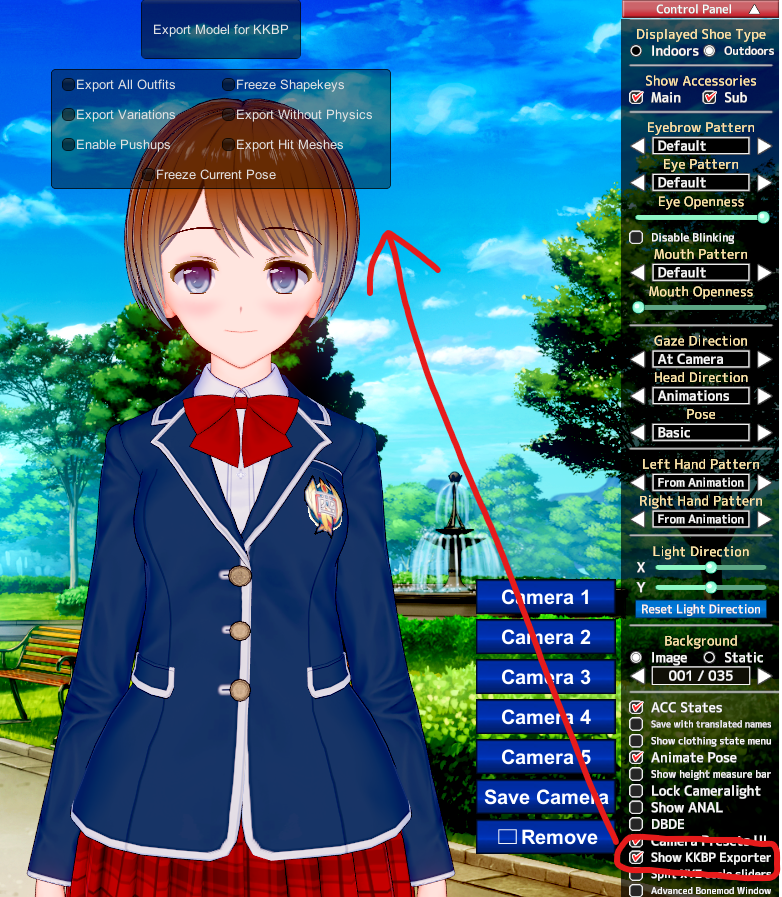
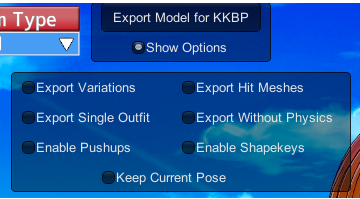
This plugin allows you to export a Koikatsu card as a .pmx model. The exported data can be imported to Blender with the KKBP Importer. You can also import the pmx file to Blender with MMD tools and use the png and json files the exporter generates to manually set the character up yourself.
Download
Get the latest exporter release here
Building the KKBP exporter yourself
- Download Visual Studio 2026 Community edition
- During the installation, check the ".NET desktop development" box in the Workloads tab.
- If you can't find it, just continue with the installation. When you open the sln file in the next step it will tell you stuff is missing and ask if you want to install it.
- Open the KKBP_Exporter.sln
- If you couldn't install the .NET development tools in the previous step, there should be a yellow box on the right sidebar asking if you want to install it. Click "Install". When it's done installing you need to right click on the KKBP_Exporter project on the right sidebar and reload it.
- Select Build Configuration at the top. Use NET35 to build for Koikatsu. Use NET46 to build for Koikatsu Sunshine
- Right click on the KKBP folder in the solution explorer and choose Build
- When it's done building, the KKBP_Exporter.dll file will be in /KKBP_Exporter/bin/NET35/ or /KKBP_Exporter/bin/NET46/
- Place this file in /your_game_folder/bepinex/plugins/ and run the game.
- Load the character maker and enable KKBP in the sidebar.